 01 / UNBLUR
Make a sharper impression.
Bring definition back to the portrait you already love.
Your favorite photo is still in there.
Bring it into focus with Remini.

Check your connection and try again.
Remini sample result. Individual results vary.
Opens Google Play·Ads & in-app purchases
LESS BLUR. MORE YOU.
For the profile photo.
And the photos that mean everything.
01 / UNBLURBring definition back to the portrait you already love.
 02 / RESTORE
Revisit old favorites with clearer faces and details.
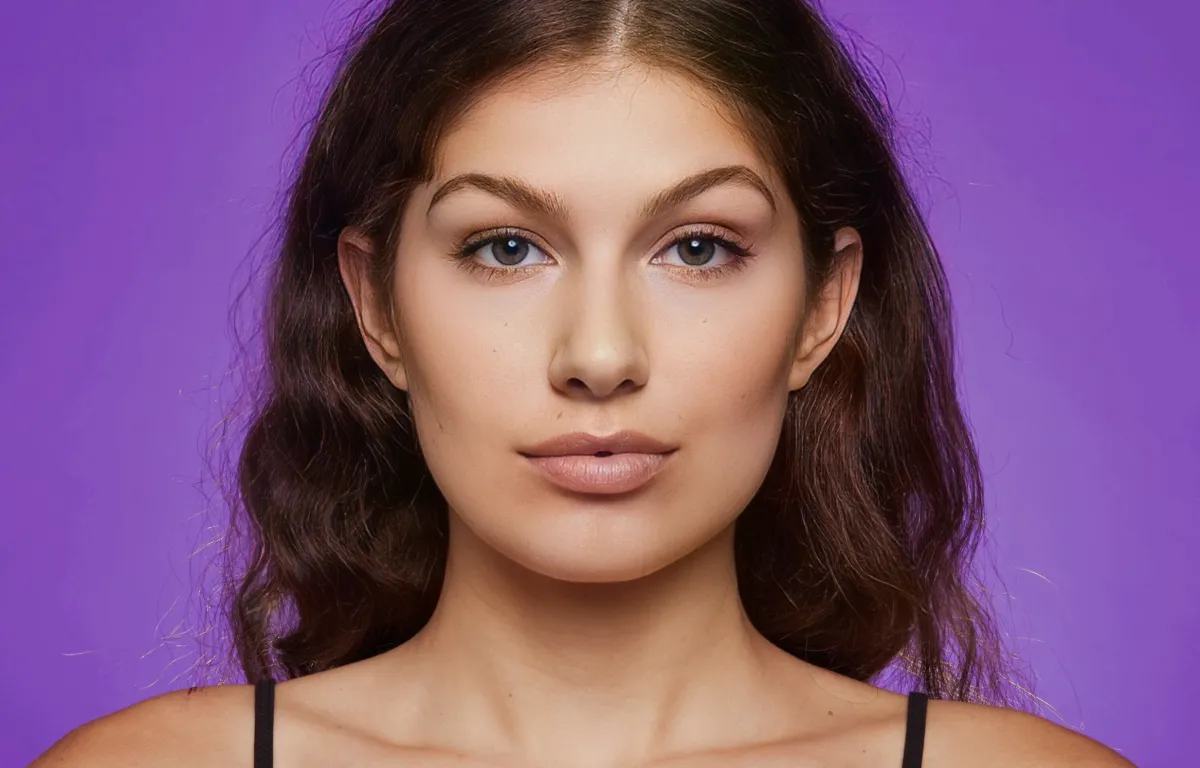 03 / ENHANCE
Give your close-ups a little more clarity and definition.
FROM CAMERA ROLL TO KEEPERS
No complicated desktop workflow.
Start with the photo already on your phone.
Install the app from your device's app store.
A portrait, an old memory, a favorite moment.
Explore the enhancement, then save your result.
YOUR CAMERA ROLL HAS POTENTIAL.
See what Remini can bring back.
Get Remini for AndroidOpens Google Play·Ads & in-app purchases
A LITTLE MORE CLARITY
This page lets you compare Remini's sample images. To enhance your own photos, install Remini and choose an image in the app. The comparison above is a preview, not live photo processing.
Yes. The Android download button opens Remini's Google Play listing. On iPhone, the button opens the App Store. Your store will show device compatibility and regional availability.
Remini contains ads and offers in-app purchases. Feature access, offers, and pricing may vary by location and platform. Review the terms shown in the app or store before purchasing.
This landing page does not request or upload your photos. Photo processing in the Remini app is governed by its privacy notice.
Not necessarily. These are sample enhancements from Remini. Results depend on the source image and the enhancement used. AI can reconstruct details; it is not a guarantee of historical or facial accuracy.